
How TextMyTask works
TextMyTask is an iPhone app for the owner. Your crew keeps texting the way they do now. Nothing to download, no account, nothing to learn.
The whole idea fits in four steps.
1. Plan the work
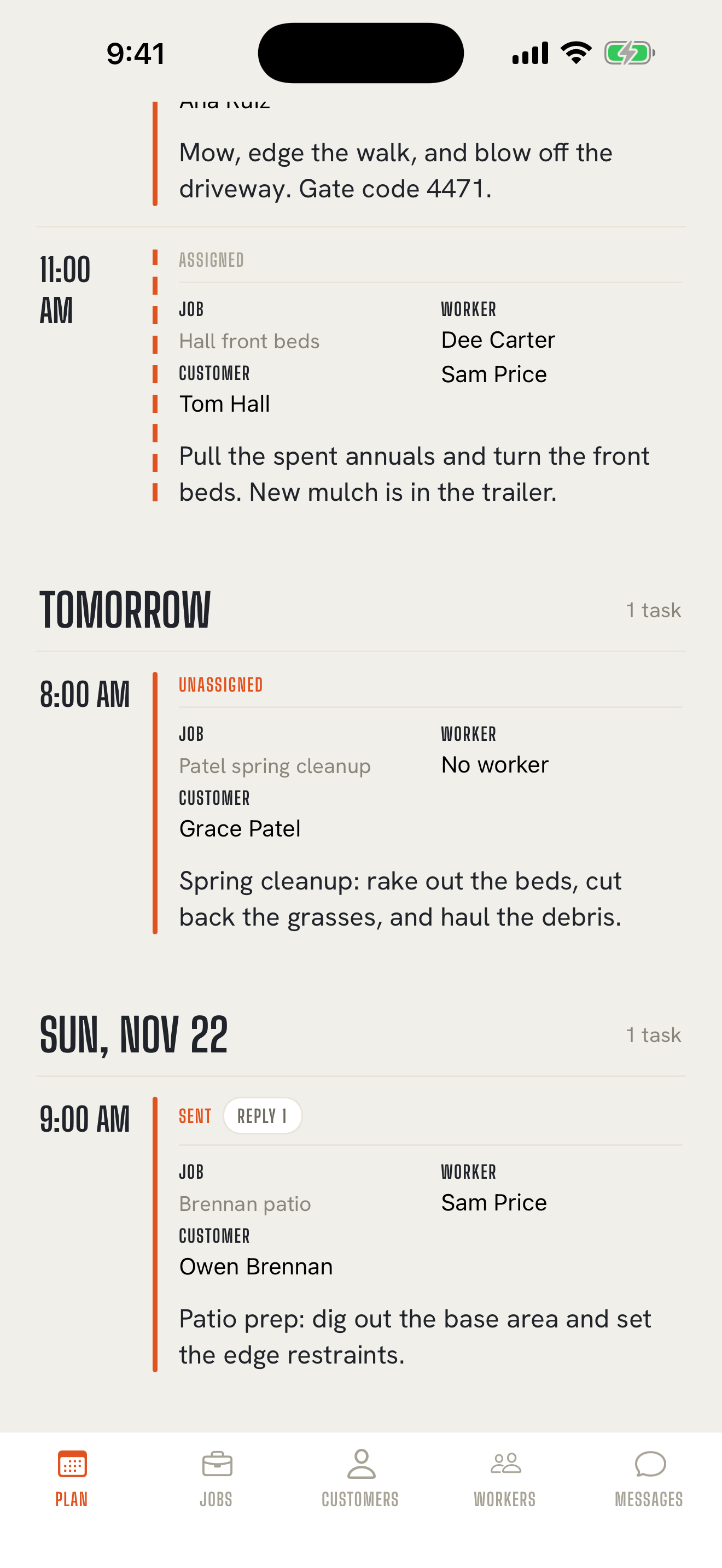
Back to contentsPut the job on the board: who it's for, what needs doing, which day, and who's on it. Your week sits in one view on the Plan tab, day by day.
A job is the work you're doing for a customer, like the Henderson kitchen or the weekly mow at the Ruiz property. A task is one piece of that job you hand to someone: "Demo the upper cabinets and cap the sink line."
2. Send it as a regular text
Back to contentsTap Send. On Core, your iPhone's Messages app opens with the task, the address, and the details already filled in. You tap send, and it goes out from your own number, the same as any text you'd send today.
Your worker gets an ordinary text message. It works on any phone that can get a text, iPhone or Android.
3. Your crew texts back, however they like
Back to contentsA photo of the finished patio. "On my way." A question about the gate code. Or nothing at all. Replies are always optional, and they come back to you the way texts always do.
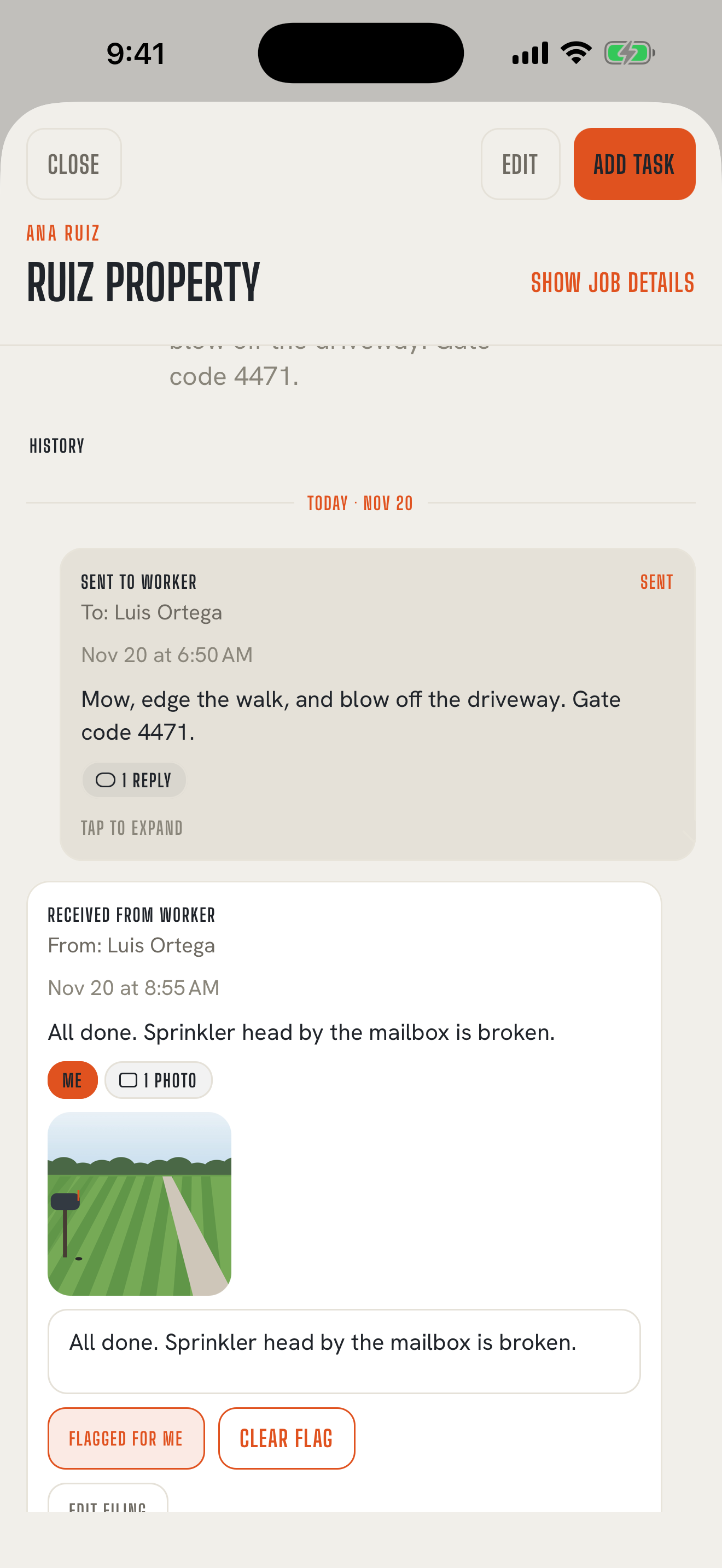
On Core, replies arrive in your own Messages app. When one belongs with a job, share it into TextMyTask and pick who sent it and which job it goes with. It takes a few taps.
On Pro, replies to your Pro number come straight into the app, already matched to the person who sent them. TextMyTask suggests the last job you sent them, and you still choose the job.
4. The job keeps the record
Back to contentsEvery text you sent, every reply and photo you filed, and every update you sent the customer stays on the job, in order, with dates. When a customer asks "when did you finish the deck?" or "did anyone fix that sprinkler head?", the answer is on the job.
You make the call
Back to contentsTextMyTask never decides what a reply means, and it never closes a task for you. A photo doesn't mean the job is finished. "Done" in a text doesn't close anything. You close each task yourself with Close task, whenever you decide, for whatever reason it ended.
Core and Pro, side by side
Back to contents| Core | Pro | |
|---|---|---|
| Texts go out from | Your own iPhone number | Your dedicated Pro number |
| Sending | Messages opens; you tap send | Sends from inside TextMyTask |
| Replies arrive | In your Messages; you share them into TextMyTask | In TextMyTask, matched to the sender |
| You pick the job | Yes | Yes |
| Monthly texts | No app limit | 2,000 a month, sent and received, plus top-ups |
| Setup | Download and start | Carrier registration first |
Every subscription starts on Core. Pro is an upgrade for Core subscribers. See pricing or read the Pro guide.
Ready to look closer?
Back to contentsThe user guide walks through every screen, and the FAQ answers the questions owners ask most.